
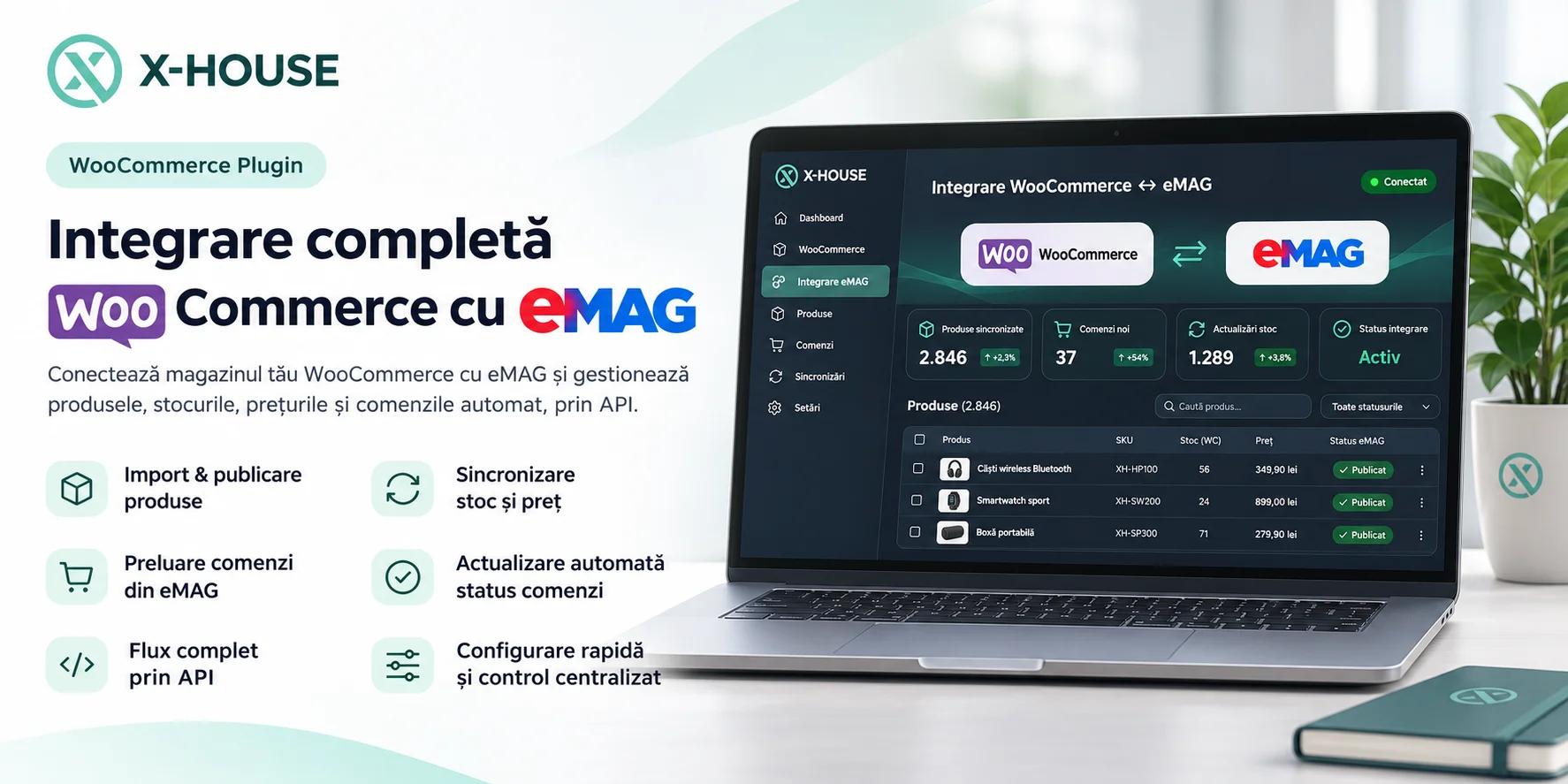
Description
Sell on eMAG straight from your WooCommerce store. No exports, no Excel files, no uploading products by hand. Connect your account once and XEmag publishes your offers, keeps stock and prices up to date and brings orders into WooCommerce.
Get started in 3 steps
- Connect your eMAG account: enter the API username and password from your seller account and click “Test connection”.
- Match categories automatically: one click matches your store’s categories to eMAG categories; you then fill in the mandatory characteristics each category requires.
- Publish: start the sync and your simple and variable products go to eMAG. If the product already exists on eMAG, your offer is attached to it by EAN.
After that, it runs on its own
- Stock and prices update automatically every 15 minutes, so you don’t sell what you no longer have.
- New orders arrive in WooCommerce every 10 minutes with the eMAG payment method, HPOS compatible.
- You set the eMAG price with your own rules: percentage markup, VAT and a fixed markup for low-priced products.
Orders handled from WooCommerce
- Generate the AWB with the couriers in your eMAG account, including locker deliveries, and download the PDF label.
- Attach the PDF invoice to the eMAG order without opening their panel.
- Get a warning when the product in an eMAG order looks matched to the wrong product in your store.
Know what you really earn
- The finance report shows sales, estimated commissions and your net for the chosen period.
- You get a warning when commission or shipping eats into your margin. Export everything to CSV for your accountant.
If you use a firewall or Cloudflare
eMAG downloads PDF invoices directly from your site. If your site uses a firewall, Cloudflare, Wordfence or country blocking, allow the eMAG IP addresses from the official eMAG Marketplace API documentation (section “Public IPs”). The guide inside the plugin explains the steps.
Licence and support
The Pro licence is yearly, for one site, and includes updates. The interface is in English and Romanian, with a step-by-step guide inside the plugin. Support at office@xhouse.ro.
What it does
- Simple and variable products published on eMAG
- Offers attached to existing products by EAN
- Automatic stock and price sync
- eMAG order import, HPOS compatible
- AWB with your eMAG couriers, lockers included
- PDF invoices attached to eMAG orders
- Automatic category mapping (xhouse.ro)
- Finance report and CSV export
WordPress plugins
XEmag - by X-HOUSE
Complete WooCommerce integration with eMAG Marketplace: simple and variable products, stock, pricing, HPOS orders, shipping labels, PDF invoices and finance.
€250 / year
1 site
- Instant download after payment
- Fiscal invoice by email
- Stripe
- Version
- 1.0.1
- WordPress
- 6.0+
- PHP
- 7.4+
- Tested up to WordPress
- 6.8
- Licence
- GPL-2.0-or-later
Buy XEmag - by X-HOUSE
Pro: €250 / year. These details appear on the invoice.
Questions about XEmag - by X-HOUSE
What is XEmag - by X-HOUSE?
XEmag - by X-HOUSE is a premium WordPress plugin developed by X-HOUSE. Complete WooCommerce integration with eMAG Marketplace: simple and variable products, stock, pricing, HPOS orders, shipping labels, PDF invoices and finance. Sell on eMAG straight from your WooCommerce store. No exports, no Excel files, no uploading products by hand. Connect your account once and XEmag publishes your offers, keeps stock and prices up to date and brings orders into WooCommerce.
What does XEmag - by X-HOUSE require?
It runs on WordPress 6.0+ and PHP 7.4+. The current version is 1.0.1, tested up to WordPress 6.8.
How much does XEmag - by X-HOUSE cost?
The price: Pro: €250 / year. Renews automatically every year; cancel any time.
On how many sites can I use XEmag - by X-HOUSE?
Pro: 1 site. The key is activated from the plugin's settings, on each site.
How do I get updates for XEmag - by X-HOUSE?
Once the licence key is entered in the plugin's settings, new versions appear in WordPress under Dashboard → Updates, like for any plugin. With the yearly subscription you get updates while the subscription is active.
What happens if the subscription expires?
The plugin stops until you renew. Your settings stay, and after renewal it works again with the same key.
Can you adapt the plugin or build a custom one?
Yes. Write to office@xhouse.ro with what you need, or use the “Request a quote for a plugin” form on the WordPress plugins page.